Featured Products


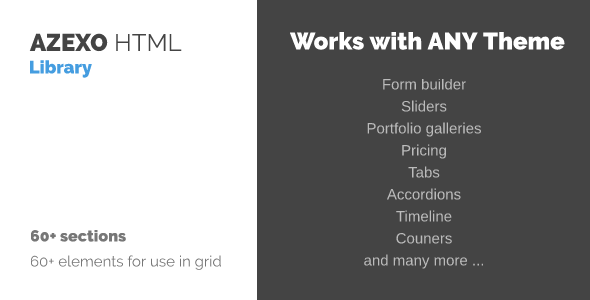
AZEXO HTML Library
By : azexo Published on Tuesday, February 21, 2017,07:57:18 in WordPress Plugins
Requirements:
- This plugin work only with AZEXO HTML Customizer plugin
- WP Less plugin to manage accent colors
- after plugin activation – page HTML editor will be replaced by AZEXO HTML Customizer.
- you can disable AZEXO HTML Customizer by clicking on “Switch to html†button
- you should see “AZEXO HTML†metabox in right sidebar when you edit page
- click “Add section†to open library in “AZEXO HTML†metabox in right sidebar
- choose section in library and click on preview to add HTML into builder
- use builder to customize HTML
- click “Add section†to open library in “AZEXO HTML†metabox in right sidebar
- select “Empty rows†in “Filter by categoryâ€
- click on number of columns you need
- click on plus (+) to open elements select dialog
- use builder to customize HTML