Featured Products


BoHo Baby Shop
By : dtbaker Published on Thursday, July 28, 2016,10:52:45 in WordPress Themes

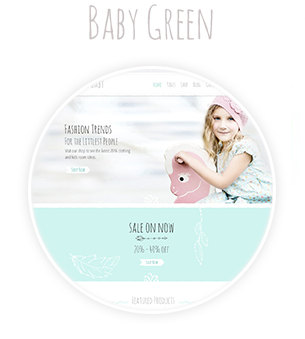
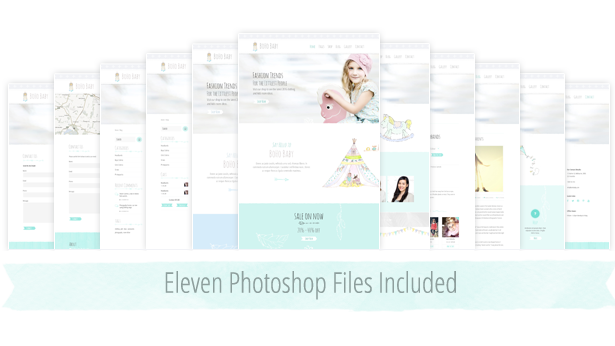
 BoHo Baby is a modern grey and teal coloured website template that’s aimed towards the children’s clothing, kids products and children’s room design market. Although the design is quite flexible for many industries such as personal blogs, jewellery, craft, interior design, home based blogging businesses, mom bloggers, homewares and designers looking for a feminine WordPress template. BoHo Baby features hand drawn artwork throughout including a teepee, rocking horse, dolls, bunting flags, hand drawn arrows and more.
 Latest Update: Version 1.0.4 on 2016-08-01.

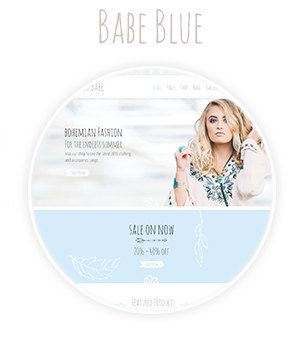




 Please click here to view the BoHo Baby Shop documentation.






Quick Setup Guide:
New to websites? Here are the steps you need to follow to get up and running with this website theme.- Purchase a “domain name†(e.g. yourbusiness.com)
- Purchase “WordPress website hosting†(hosting is the computer server that runs your website and emails 24/7)
- Some popular providers for domain names and hosting are: BlueHost, DreamHost and WPengine. Generally the more you pay the faster your website will load.
- Talk to your chosen hosting provider to setup your “WordPress†and make sure it works. You should be able to login to your “WordPress Dashboard†with a username and password.
- Once you are at this point, come back here and purchase this WordPress theme.
- Once purchased, go to https://themeforest.pluginus.net/downloads and press “Download†and then “Installable WordPress file onlyâ€. This will download a small (less than 20MB) zip file to your desktop.
- Login to your WordPress dashboard, go to Appearance > Themes > Add New > Upload and choose the ZIP file you just downloaded.
- After uploading the theme to WordPress choose the “Activate†option
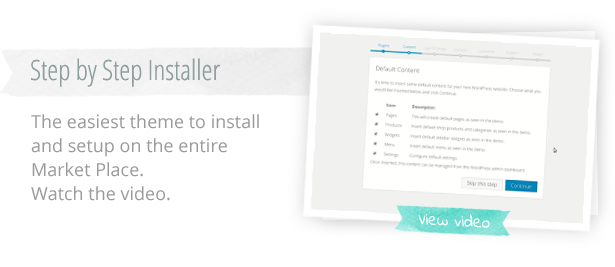
- Follow the setup wizard steps.
Requirements
Support

 Â
We hope you enjoy this theme, we had a great time making it. Thanks!
Â
We hope you enjoy this theme, we had a great time making it. Thanks!
Changelog:
Here is a list of theme changes:Date: 2016-08-01
– Fix contact form text size
– Added new green color option
Date: 2016-06-28
– Fix missing image in documentation
– Added support for page comments
– Removed Unused Code Segments
– Removed Inline JavaScript
Date: 2016-06-27
– WooCommerce Template Updates
– Latest WordPress Compatability
– Escaping attribute fields
Date: 2016-06-10
– Initial Release