Featured Products


Elements for Users - Addon for Visual Composer
By : meceware Published on Tuesday, November 24, 2015,08:06:20 in WordPress Plugins
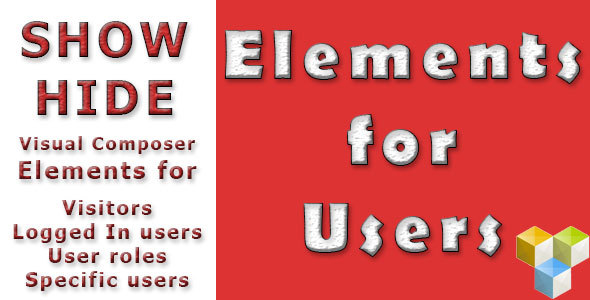
INTRODUCING – ELEMENTS FOR USERS [Addon for Visual Composer]
Show Visual Composer content elements only to target audience depending on their user attributes such as user role, login information and user names.Features
How To Use
1. Activate Visual Composer plugin. This plugin requires Visual Composer 4.4 or greater.2. Activate ‘Elements for Users – Addon for Visual Composer’ plugin.
3. Go to ‘Elements for Users’ settings under Wordpress Options menu. Choose which VC content elements will show user attribute settings.
4. Edit any page and go to Visual Composer element settings.
5. Change ‘Show For’ attribute to the target audience the element will be visible to.
6. If ‘Members with Selected User Roles’ is chosen, select the user roles the element will be visible to at ‘Selected User Roles’ attribute of the element.
7. If ‘Selected Users’ is chosen, select the users the element will be visible to at ‘Selected Users’ attribute of the element.
8. If ‘Discarded Users’ is chosen, select the users the element will NOTÂ be visible to at ‘Discarded Users’ attribute of the element.