By :
obtaincode
Published on Thursday, June 22, 2017,08:49:32 in WordPress Plugins
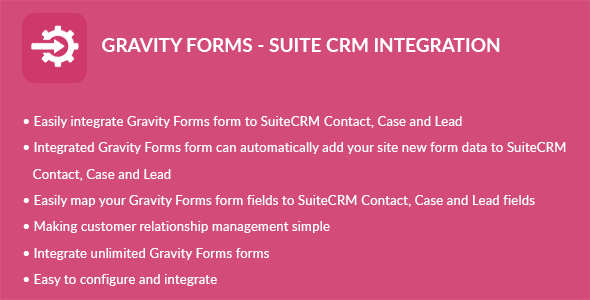
Gravity Forms – Suite CRM Integration plugin can integrate Contacts, Cases and Leads between your WordPress Gravity Forms and Suite CRM. Easily add automatically Contacts, Cases and Leads into Suite CRM when people submit a Gravity Forms form on your site.
Features
Easily integrate Gravity Forms form to Suite CRM Contact
Easily integrate Gravity Forms form to Suite CRM Case
Easily integrate Gravity Forms form to Suite CRM Lead
Integrated Gravity Forms form can automatically add your site new form data to Suite CRM Contact
Integrated Gravity Forms form can automatically add your site new form data to Suite CRM Case
Integrated Gravity Forms form can automatically add your site new form data to Suite CRM Lead
Easily map your Gravity Forms form fields to Suite CRM Contact, Case and Lead fields
Making customer relationship management simple
Integrate unlimited Gravity Forms forms
Installation
WordPress Dashboard
Go to ‘Admin’ -> ‘Plugins’ -> ‘Add New’
Click on ‘Upload Plugin’
Upload ‘Gravity Forms – Suite CRM Integration’ plugin zip
Activate ‘Gravity Forms – Suite CRM Integration’ plugin
FTP, SFTP, SCP etc…
Unzip ‘Gravity Forms – Suite CRM Integration’ plugin zip
Upload the unzip plugin folder to your ’/wp-content/plugins/’ directory, using your favorite method (ftp, sftp, scp, etc…)
Activate ‘Gravity Forms – Suite CRM Integration’ plugin
Configuration
Go to ‘Admin’ -> ‘GF – Suite CRM’ -> ‘Configuration’
URL: Add your instance URL. Like https://example.com
Username: Add your Suite CRM account username
Password: Add your Suite CRM account password
Click on ‘Save’ button
Integration
Go to ‘Admin’ -> ‘GF – Suite CRM’ -> ‘Integration’
You can see list of Gravity Forms Forms
Click on edit form icon which you want to integrate form
Select a Suite CRM module you want to integrate with current form
Click on ‘Filter’ button to filter module fields
Check ‘Suite CRM Integration?’ checkbox if you want to integrate Suite CRM
Map fields which you want to map
Click on ‘Save’ button to map fields
Note: Map fields which is creatable in Suite CRM module
Share This Product