Featured Products


iTour - An Easy Tour for the Complex Interface
By : yurik417 Published on Thursday, June 23, 2016,21:16:31 in JavaScript Scripts
Description
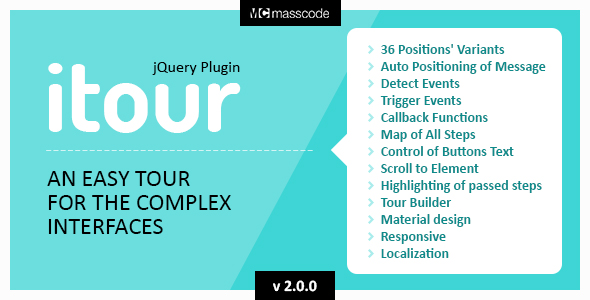
The plugin «itour» gives you the opportunity to tell you about the functionality of any interface. In addition, the plugin «itour» can perform the function of teaching, display the task, prompt you what to do and follow up on implementation of tasks. This is the most flexible and fuktsionalnye plugin among all his analogs.Features
Quick Start
1. Include all the necessary files to the page of the site. 2. Place all necessary files on your server using ftp 3. Add HTML code with a unique data-name attribute to the code of site page. 4. Call the plug-inAPI
Guide and Demos
Change Log
v.2.0.0- 14/07/2016 Added support for jQuery 3.X.X
- 12/07/2016 In the archive are added localization files.
- 11/07/2016 Updated documentation
- 11/07/2016 Improved Tour Builder work
- 10/07/2016 Added parameter lang, which contains an object with the names of all the elements of the interface
- 10/07/2016 Added option “endTextâ€, which sets the text for the close button in the last step of the tour
v.1.2.1
- 09/07/2016 Added the ability to assign for each tour a unique class name to change the display styles of the tour.
- 09/07/2016 Added the ability to insert the description of the step without title
- 09/07/2016 Added parameter “tourMapBtnLabelâ€. The text in the show tour button
- 09/07/2016 Added cancellation of the tour by using “Esc†key
- 08/07/2016 Added parameter “overlayClikableâ€. This option enables or disables the click event for overlying layer
- 08/07/2016 Added parameter “disable†for step item. This parameter blocks access to element
v.1.2.0
- 28/06/2016 In the documentation added the convenience and easy tour builder.
- 28/06/2016 Added search elements by class name, id, and other attributes;
- 28/06/2016 In the documentation added section “Tour About Tourâ€, which shows the living example of communication with site visitors through the plugin “itourâ€;
- 28/06/2016 Added new features: add class to selected item;
- 27/06/2016 Added control parameter opacity blackout;
- 26/06/2016 Added option to display a message on the center of the screen without being tied to an element;
- 26/06/2016 Added parametr to inserting cover image for step;
v.1.0.1
- 24/06/2016 Fixed Position
v.1.0.0
- 19/06/2016 Releas