Featured Products


Store Locator
By : altsniffer Published on Wednesday, April 05, 2017,16:42:03 in WordPress Plugins
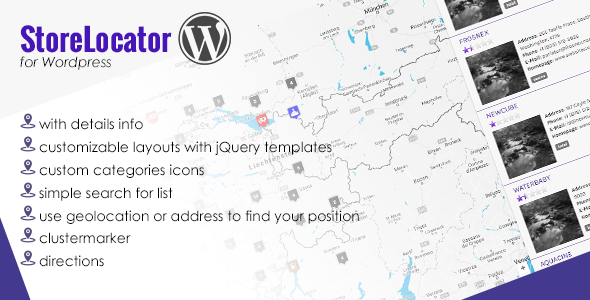
Features
How to use
1. Install jquery-store-locator plugin
2. If you’re using categories, install taxonomies-images for custom category marker icons
Go to Settings -> Taxonomy Images -> check Categories (Store Locator)
Go to Store Locator -> Categories (Store Locator) add your categories and images
3. Go to Settings -> Store Locator -> modify your settings and add Google Maps API Key
4. Go to Store Locator -> Add new Address
Fill in Geographic Inputs, you don’t need to fill the latitude, longitude, thats automatically.
If you’re using custom fields, you can add/change the List and Detail Template at Settings -> Store Locator -> Template
5. Call the plugin inside a post with [ storeLocator ]
6. You need to modify your stylesheet
7. You can create your language with PoEdit